
Montevista | Virtual Funerals and Live-Streaming Services
Virtual Funerals and Live-Streaming Services


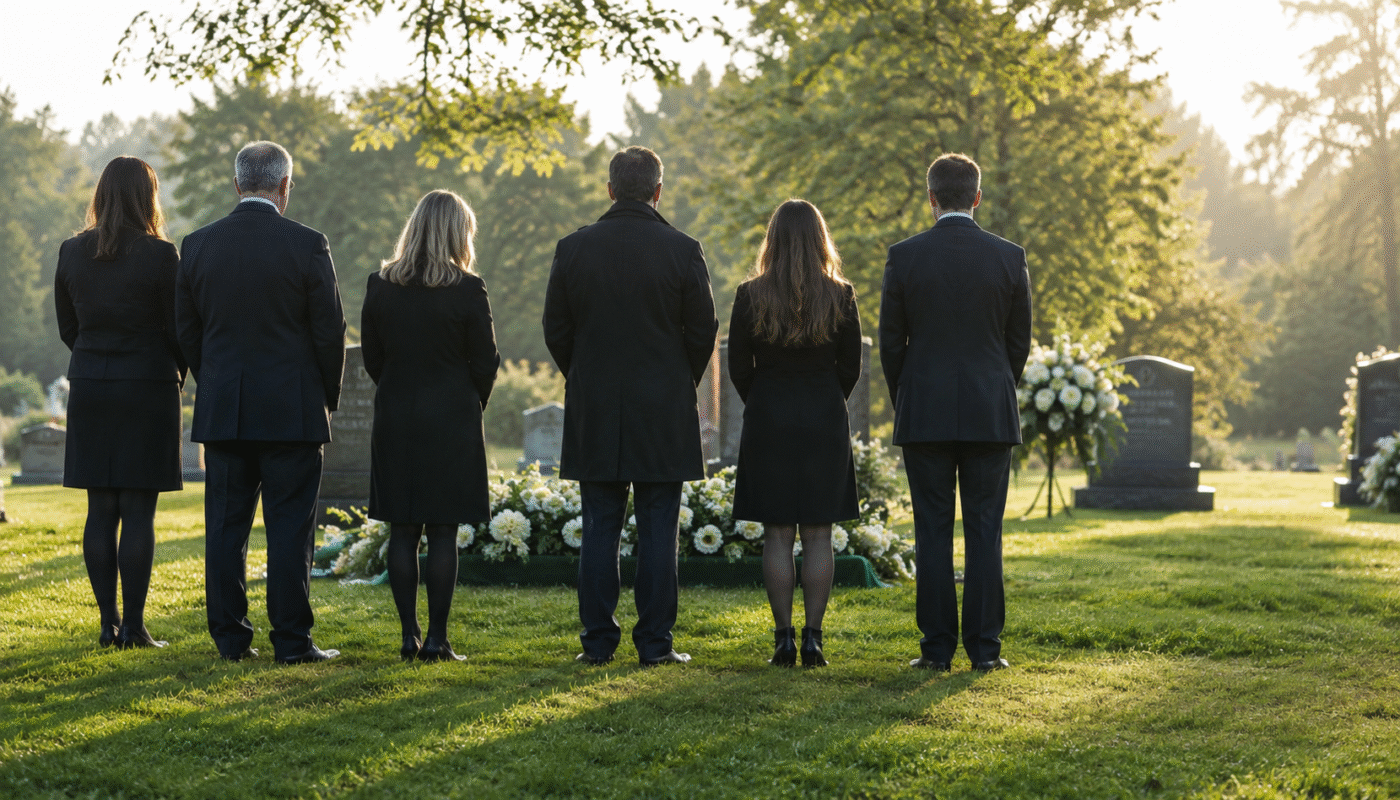
Virtual funerals and live-streaming allow people who cannot attend services in person to participate remotely through video technology. Whether health concerns, distance, travel restrictions, or other barriers prevent attendance, virtual options ensure everyone can witness services, offer support, and say goodbye—regardless of geographic location.
The COVID-19 pandemic accelerated adoption of funeral live-streaming, but virtual attendance remains valuable even without health restrictions. For families scattered across countries or continents, for elderly relatives unable to travel, or for large extended families, virtual funerals expand who can participate in honoring loved ones.
This guide explains virtual funeral options, technology requirements, platforms, costs, planning considerations, and etiquette for both hosting and attending online services.
In This Article: – What Are Virtual Funerals? – Types of Virtual Funeral Services – Technology and Platforms – Planning a Virtual or Hybrid Service – Costs of Virtual Funerals – Virtual Funeral Etiquette – Benefits and Limitations – Recording and Archiving Services – Making Virtual Services Meaningful – Key Takeaways
What Are Virtual Funerals?
Virtual funerals are services broadcast over the internet, allowing remote participation via computer, tablet, or smartphone.
Basic Definition
Virtual funerals involve: – Live video streaming of services – Audio broadcast of ceremony – Remote viewing by participants unable to attend in person – Interactive elements (chat, virtual guest book, condolences) – Recording for later viewing
Three Main Formats
Fully virtual: No in-person attendees – Entire service conducted online – Officiant, speakers may participate remotely – Family views from separate locations – Everything happens through screens
Hybrid: In-person plus virtual – Service occurs with in-person attendees – Simultaneously broadcast for remote viewers – Combines traditional gathering with expanded access – Most common format
Recorded and posted: Not live – Service recorded – Video posted online afterward – Viewers watch when convenient – No real-time participation
Types of Virtual Funeral Services
Virtual technology applies to various service formats.
Virtual Memorial Services
Memorial services (after burial/cremation) work well virtually because: – No body present simplifies logistics – Can occur weeks after death (ample planning time) – Flexible timing accommodates time zones – Lower stakes for technical issues
Common format: – Slideshow of photos – Pre-recorded video tributes – Live speakers via video call – Chat for sharing memories – Virtual reception rooms
Live-Streamed Traditional Funerals
Traditional in-person funerals broadcast online: – Main service at funeral home or church – Camera(s) capture service – Remote viewers watch live – Limited interaction (usually watch-only)
Maintains traditional service while expanding access.
Virtual-Only Funerals
Completely online services with no physical gathering: – Zoom/video conference format – Multiple participants in grid view – Interactive (everyone can speak, if desired) – Shared slideshow or video presentation – Breakout rooms for smaller conversations
Graveside Live-Streaming
Streaming burial or committal services: – Portable equipment at cemetery – Brief outdoor ceremony broadcast – Often follows virtual or in-person funeral – Allows witnessing final farewell
Technology and Platforms
Various technologies enable virtual funerals.
Funeral Home Streaming Services
Many funeral homes now offer: – Dedicated streaming platforms – Professional equipment (cameras, microphones) – Technician to manage broadcast – Private links for family only or public access – Recording included – Guest book integration
Advantages: Professional quality, handled by experts, integrated with funeral planning
Video Conferencing Platforms
Zoom: – Most popular for interactive services – Up to 100-1,000 participants (depending on plan) – Screen sharing for slideshows – Breakout rooms – Recording capability – $15-$20/month for premium features
Google Meet: – Up to 100 participants (free) – Easy access via link – No software download required – Basic features – Recording on paid accounts
Microsoft Teams: – Similar to Zoom – Good for corporate/professional settings – Recording capability
Advantages: Familiar to many people, interactive, affordable
Social Media Live Streaming
Facebook Live: – Stream to Facebook page or profile – Anyone can view (public) or limited to friends – Comments in real-time – Automatically saves recording – Free
YouTube Live: – Public or unlisted options – Excellent video quality – Permanent archive – Free
Advantages: Wide accessibility, free, easy sharing
Dedicated Memorial Platforms
Services like: – GatheringUs – OneRoom – Memories.net – Farewelling
Offer: – Purpose-built for memorial services – Virtual guest books – Photo/video sharing – Condolence messages – Memory walls
Advantages: Designed specifically for memorials, coordinated features
Planning a Virtual or Hybrid Service
Successful virtual services require thoughtful planning.
Technical Preparation
Test equipment: – Camera positioning and angles – Audio quality (often most important) – Lighting (avoid backlighting) – Internet connection stability – Backup equipment ready
Assign tech support: – Someone manages broadcast – Troubleshoots issues – Monitors chat/questions – Not responsible for participating in service
Send clear instructions: – Platform link sent well in advance – How to join (step-by-step) – Technical requirements – Contact for tech problems – Time with time zone clarification
Service Design Considerations
Camera placement: – Shows speaker clearly – Captures casket/urn if present – Wide enough to show setting – Avoid distracting backgrounds
Audio priority: – Good microphone essential – Test audio in actual space – Minimize background noise – Speakers close to microphones
Pacing: – Slightly slower pacing than in-person – Pause between speakers – Acknowledge technical delays – Build in buffer time
Visual elements: – Slideshows work well on screen – Pre-recorded videos integrate easily – Keep visual interest – Show photos clearly
Interactive Elements
Enable/disable: – Decide if attendees can unmute and speak – Chat function on or off – Q&A features – Reactions/emojis appropriate or not
Participation opportunities: – Invite remote attendees to share memories – Read chat messages aloud during service – Create moments for remote attendees to feel included – Balance in-person and virtual participation
Communication with Attendees
Before service: – Clear invitation with all details – Platform link – Service date/time with time zones – Expected duration – Dress code if any
During service: – Welcome virtual attendees explicitly – Explain what’s happening if not obvious on screen – Acknowledge remote participants – Manage Q&A or interaction
After service: – Share recording link – Provide virtual guest book – Create space for continued connection
Costs of Virtual Funerals
Virtual components add modest costs to traditional services.
Professional Funeral Home Streaming
$100-$500 for basic streaming service including: – Camera setup – Streaming to dedicated platform – Technician during service – Recording provided – Private link generation
Some funeral homes include streaming in packages; others charge separately.
DIY Streaming
$0-$100 for self-managed streaming: – Free: Using phone/laptop camera + free Zoom/Facebook Live – $15-$20/month: Zoom Pro for extended meetings – $50-$200: Better webcam, microphone, lighting
Requires tech-savvy family member or friend to manage.
Fully Virtual Services
$500-$2,000 for professionally produced virtual-only memorial: – Video production services – Professional hosting – Edited slideshow/tribute video – Interactive platform – Recording and archiving
Equipment Rental
If renting professional equipment: – Camera: $100-$300/day – Microphone system: $50-$150/day – Lighting: $75-$200 – Technician: $200-$500
Virtual Funeral Etiquette
Both hosts and attendees follow etiquette guidelines.
For Hosts/Planners
Set expectations: – Communicate format clearly – Explain level of interactivity – Provide technical instructions – Clarify dress code if any
Test thoroughly: – Run complete tech check – Test from different devices – Verify all speakers’ connectivity – Have backup plan
Acknowledge virtual attendees: – Welcome them explicitly – Mention them during service – Read their chat messages/condolences – Make them feel included, not secondary
Manage chat: – Assign moderator – Set chat guidelines – Read appropriate messages aloud – Filter inappropriate content
For Virtual Attendees
Prepare properly: – Test your connection beforehand – Find quiet, private space – Ensure good internet – Have tissues, water nearby
Dress appropriately: – Even though at home, dress respectfully – Consider if your camera will be on
Join early: – Log in 5-10 minutes before start – Test audio/video – Position camera properly if sharing video
During service: – Mute when not speaking – Turn off video if eating, multitasking – Minimize distractions (close other programs, silence phone) – Use chat appropriately (no off-topic comments) – Focus on service (don’t check email, browse web)
Participate respectfully: – React/interact as invited – Share memories if prompted – Sign virtual guest book – Send separate condolence message after
What to Avoid
- Don’t record unless permission granted
- Don’t screenshot without consent
- Don’t share link if it’s meant to be private
- Don’t multitask visibly on camera
- Don’t make jokes about technology glitches
Benefits and Limitations
Virtual funerals offer advantages and face constraints.
Benefits
Accessibility: – Elderly who can’t travel – Immunocompromised individuals – International family/friends – People with mobility limitations – Those unable to afford travel
Inclusivity: – Hundreds can attend instead of venue-limited numbers – Old friends reconnect – Distant relatives participate – Colleagues and community members attend
Safety: – During health crises – Bad weather – Natural disasters – Any situation making gathering risky
Recording: – Permanent record of service – View later if schedule conflicts – Relive meaningful moments – Share with future generations
Cost savings: – No travel expenses for attendees – Smaller venue possible (fewer in-person) – Reduced hospitality costs
Limitations
Technology barriers: – Not everyone has devices/internet – Elderly may struggle with technology – Technical glitches happen – Learning curve for some
Lack of physical presence: – Can’t hug grieving family – Less emotionally impactful for some – Feels distant – Miss communal experience
Interaction constraints: – Harder to have meaningful conversation – Reception less natural – Can’t read room energy – Delayed reactions
Production challenges: – Requires technical knowledge – Equipment needs – Potential for embarrassing failures – Distraction from grief
Authenticity concerns: – Can feel performative – Screen fatigue – Less intimate – Different emotional impact
Recording and Archiving Services
Most virtual services are recorded.
Recording Decisions
To record or not:
Reasons to record: – Allows later viewing – Includes those who can’t attend live – Creates permanent memorial – Captures eulogies and tributes
Reasons not to record: – Family prefers privacy – Concerns about permanence – Intimate content not for sharing – Technical/quality concerns
Privacy Settings
Public: – Anyone with link can view – Searchable on platforms like YouTube – Widest access – Least privacy
Unlisted: – Only those with link can access – Not searchable – Moderate privacy – Easy sharing
Private: – Only invited individuals – Password protected – Maximum privacy – Controlled access
Archiving
Consider: – How long recording stays available – Where it’s stored – Who controls access – Whether it’s downloadable – Backup copies
Some families create private online memorials housing recording plus photos, stories, and tributes—permanent digital spaces for remembering.
Making Virtual Services Meaningful
Thoughtful touches create powerful virtual experiences.
Visual Elements
- Photo slideshows with music
- Video tributes edited professionally
- Virtual backgrounds with meaningful images
- Screen sharing of photos, quotes, memories
Interactive Participation
- Open mic for memory sharing
- Chat room for written condolences
- Collaborative playlist (attendees request songs)
- Virtual memory wall (upload photos/stories)
- Breakout rooms for smaller conversation groups
Rituals Adapted for Virtual
- Candle lighting: Everyone lights candle at home simultaneously
- Toast: Raise glass together on screen
- Balloon release: Each person releases balloon at their location
- Moment of silence: Powerful even virtually
Personal Touches
- Mail items beforehand (program, memorial item) so people have physical element
- Virtual guest book for signatures and messages
- Dedicated website serving as ongoing memorial
- Follow-up video thanking attendees
Virtual Funeral Services at Monte Vista
Monte Vista Memorial Gardens can work with families to help coordinate virtual or live-streaming elements for graveside services and memorials. Our team can help connect families with appropriate live-streaming vendors and technology providers so that distant family and friends can participate regardless of location.
Whether you want to include a few distant relatives or broadcast to a wider audience, our staff can help you explore available virtual options and refer you to reliable providers.
Call 510-299-1174 to discuss virtual funeral options and live-streaming coordination for your family’s needs.
Key Takeaways
Virtual funerals expand access to memorial services:
-
Virtual funerals use video technology to broadcast services online—allowing remote attendance from anywhere in the world.
-
Three formats: fully virtual (no in-person), hybrid (in-person plus virtual), and recorded (not live)—each serves different needs.
-
Technology options include funeral home streaming services ($100-$500), video conferencing platforms ($0-$20/month), social media streaming (free), and dedicated memorial platforms.
-
Planning requires testing equipment, assigning tech support, careful camera/audio setup, and clear communication with attendees.
-
Costs range from free (DIY with basic equipment) to $500+ for professional funeral home streaming.
-
Etiquette includes dressing respectfully, joining early, muting when not speaking, focusing on service, and participating as invited.
-
Benefits: accessibility for distant/unable attendees, inclusivity, safety during health concerns, permanent recording.
-
Limitations: technology barriers, lack of physical presence, interaction constraints, and production challenges.
Virtual funerals ensure everyone who loved the deceased can participate in honoring their life—transcending geographic and physical barriers to create inclusive memorial experiences.
Questions About Virtual Funeral Services?
We provide professional live-streaming and virtual funeral services including technical setup, recording, and guidance on creating meaningful virtual experiences.
Call 510-299-1174 to learn about our virtual funeral options and live-streaming capabilities.